
SSSTikTok – TikTok Video Downloader Without Watermark
Paste a TikTok link to save HD video, MP3 or photos. Free, no app, no login.
- No Watermark
- HD MP4
- MP3 Audio
- 100% Free
HD Video Download
Save TikTok videos as HD MP4 without the watermark.
MP3 Download
Keep just the sound of any TikTok as an MP3.
Photos Download
Save every picture from a TikTok slideshow.
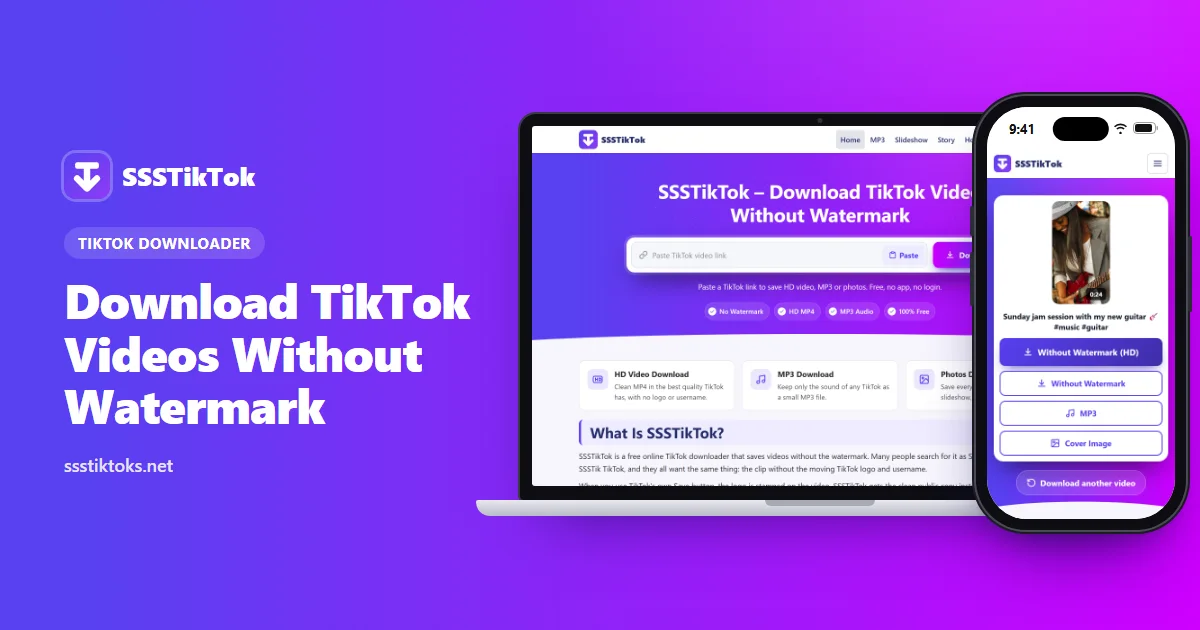
SSSTikTok is a free tool that saves TikTok videos to your phone or computer without the TikTok watermark. Copy a video link from TikTok, paste it in the box above and tap Download. You can keep the clean video as an HD MP4 or save just the sound as an MP3. It works in your browser, so there's no app to install and no account to create.
What Is SSSTikTok?
SSSTikTok is an online TikTok downloader. People also type it as SSSTik, SSS TikTok or SSSTik TikTok, but they're all looking for the same thing: a quick way to save a TikTok video without the logo.
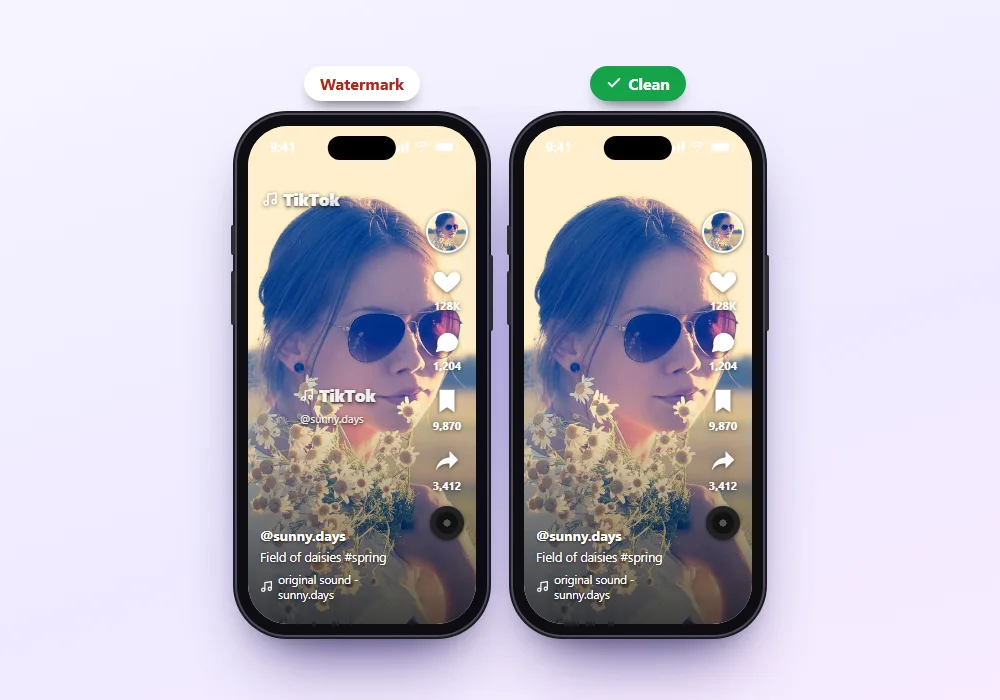
Here's why that matters. When you use TikTok's own Save button, the app stamps its logo and the creator's username on the video, and the logo jumps around the screen. Our downloader gets the clean copy of the public video instead, so you're left with just the clip.
Why People Use SSSTikTok
Most people want one of three things. Some want a clean copy of their own videos to edit or post somewhere else. Others want to save a recipe, workout or tutorial to watch offline. And plenty just want a song or sound from a video as an MP3. This tool does all three from one box.
Features of SSSTikTok
Download TikTok Videos Without Watermark
This is the main reason people come here. The saved video has no TikTok logo and no username in the corner. It's the same clip you watched, just without the stamp, which makes it far easier to edit or watch on a bigger screen.
HD Quality When TikTok Has It
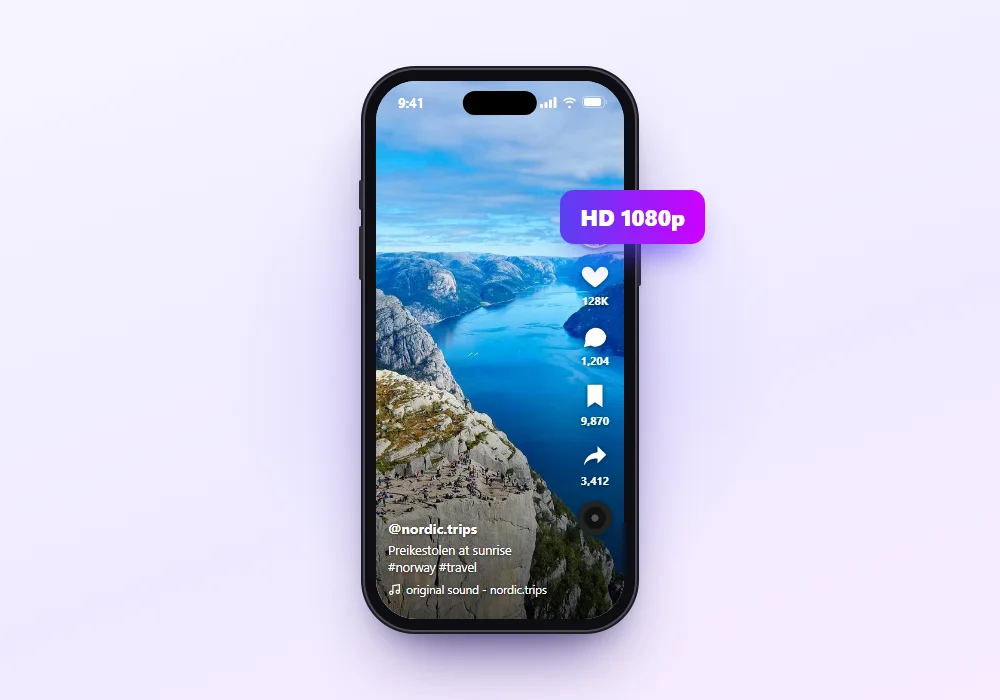
We save the best quality TikTok stores for each video. If the creator uploaded in HD, you get HD. If the upload was low quality, the download will be too, because no tool can add detail that was never there.
Save the Sound as MP3
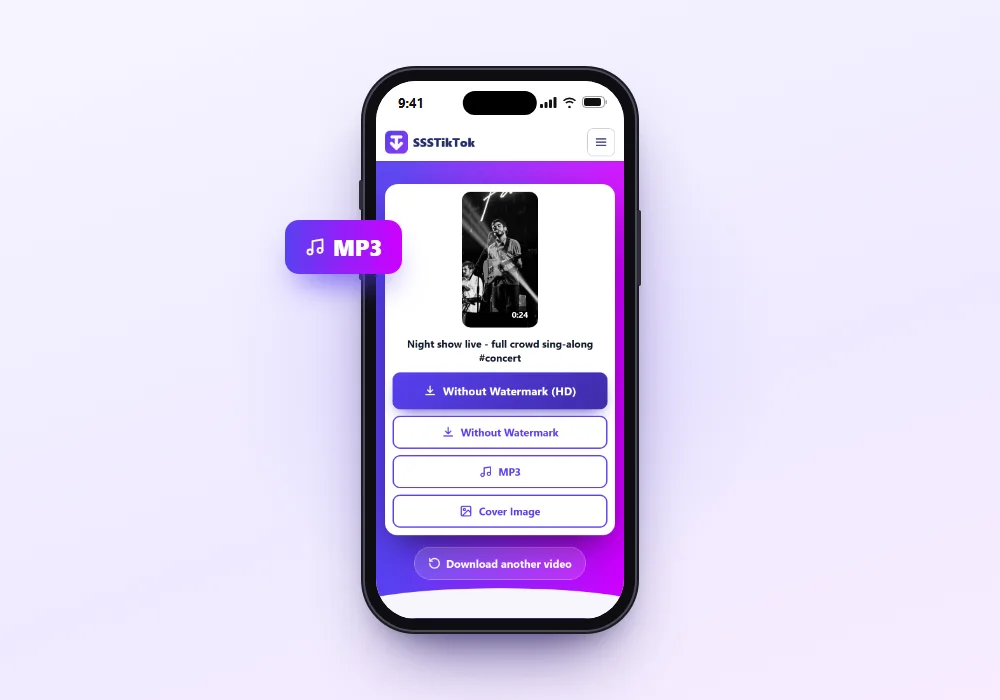
Choose MP3 and you'll get only the audio. The file is much smaller than a video and plays in any music app. It's handy for trending sounds, voiceovers and short songs you want to keep. Our TikTok MP3 page has more tips.
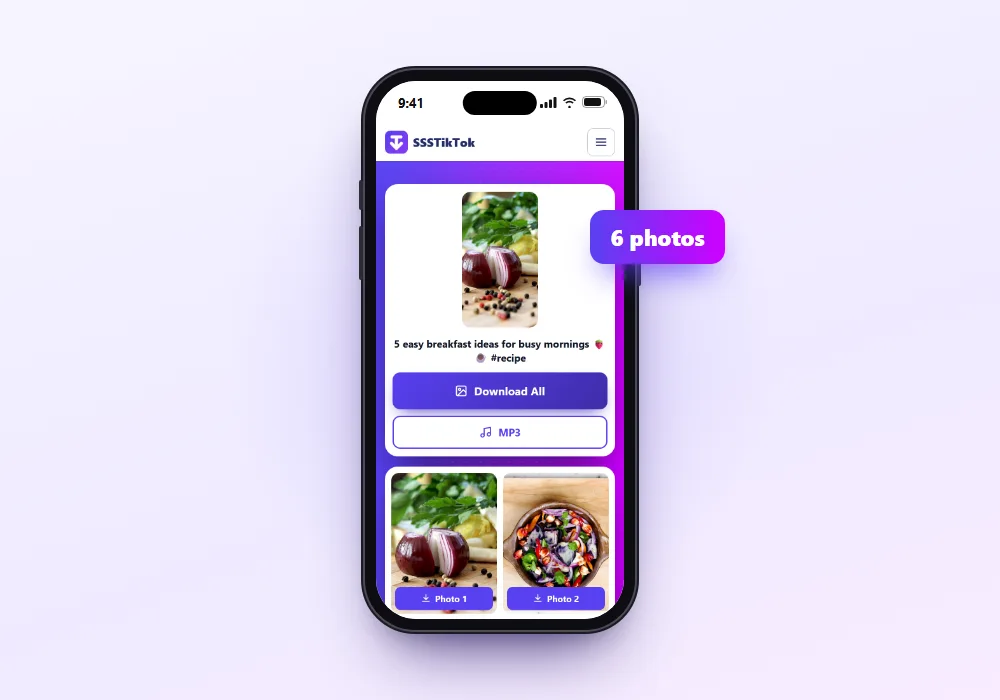
TikTok Slideshows and Photos
Photo posts work too. You can save every picture separately or all of them at once, and keep the music as an MP3. See our slideshow downloader for the details.
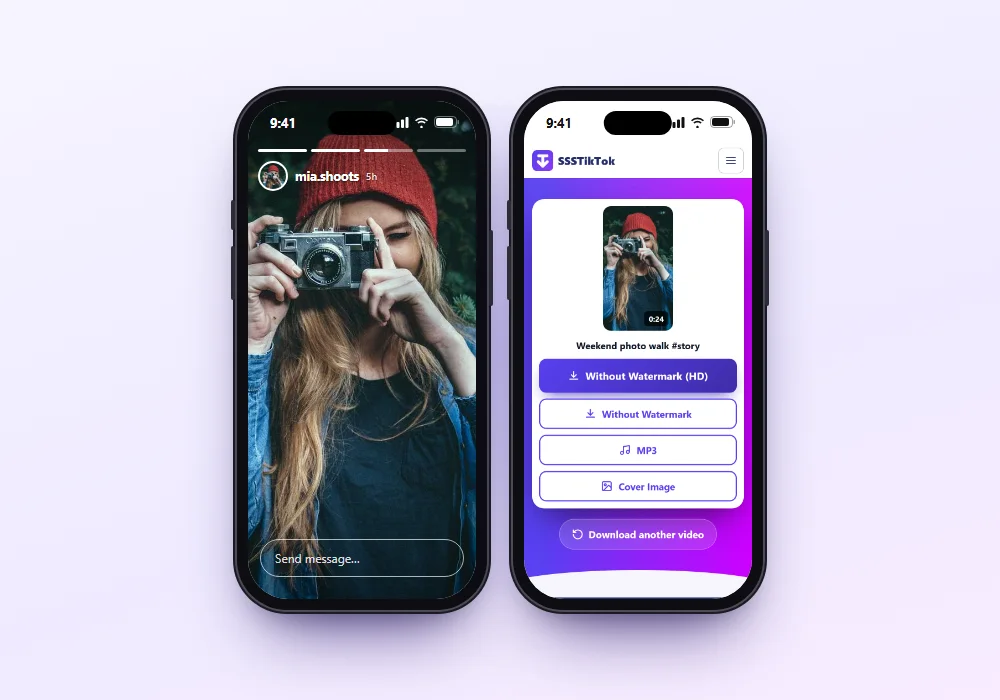
TikTok Stories
Stories vanish after 24 hours. You can save public Stories as MP4 before they're gone. Just copy the Story's link and paste it here.
No App, No Login
Everything happens in your browser. You don't install anything, and you never type your TikTok password. That keeps your phone clean and your account private.
Works on Any Device
It runs in Chrome, Safari, Firefox, Edge or Samsung Internet. It works on Android phones, iPhones, iPads, Windows PCs and Macs.
What You Can Download
| Content | Link to paste | What you get |
|---|---|---|
| Regular TikTok video | The video's Share link | MP4 without watermark (HD when available) |
| The sound of a video | The same video link | MP3 audio |
| Photo slideshow | The photo post's link | Each picture as JPG (or all of them in one ZIP), plus the music as MP3 |
| Story | The Story's link (before it expires) | MP4 |
| Your own videos | Your video's link | A clean backup copy |
Usernames, hashtags and sounds pages don't work as input. You always need the link to one post.
How to Download TikTok Videos on an Android Phone?
Downloading TikTok videos on Android with SSSTikTok is a straightforward process. You can easily download the desired video without installing any additional application. Just follow these steps and download the TikTok video on your phone:
Select a TikTok Video
Open the TikTok app on your Android device and select the video you want to save.
Tap the Share Button
Tap on the Share icon located on the right side of the screen.
Copy the Video Link
Select Copy link from the sharing menu.
Paste the Link into SSSTikTok
Once the URL is copied, return to our SSSTikTok tool and paste the URL into the download box.
Select a Download Option
Now tap on Download and choose the available option, such as a watermark-free MP4 for video, or an MP3 for audio.
The download will begin after you select a format. Processing time may vary, and your browser may ask you to confirm where the file should be saved.
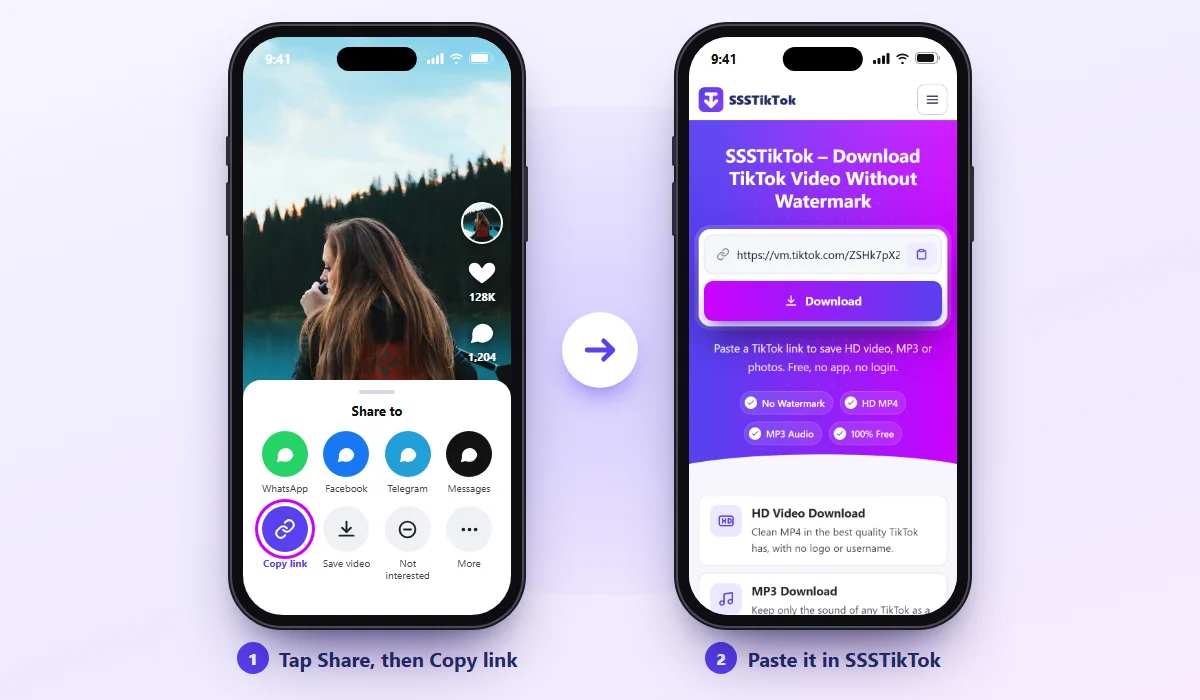
One tip: if the paste doesn't work, long-press inside the box and tap Paste. Some phones block automatic pasting.
How to Download TikTok Videos on iPhone and iPad?
The basic process is similar on iPhone and iPad, although downloaded files are usually managed through Safari and the Files app.
- Open the TikTok video in the TikTok app or a web browser.
- Tap on the Share option (the arrow icon on the right side) and select Copy link.
- Open Safari or Chrome and visit ssstiktoks.net.
- Paste the copied TikTok URL into the download box, tap the Download button, and select your preferred download format.
Once the process is complete, the file will be saved to your iPhone or iPad. The video may appear in the Files app or the Photos app.
How to Download TikTok Stories with SSSTikTok
If you want to download TikTok Stories, just follow these simple steps:
- Open TikTok and select the Story you want to download.
- Tap the Share icon and choose Copy link.
- Return to SSSTikTok and paste the copied link into the download box at the top of the page.
- Choose the video or photo option, depending on the Story format.
- Tap Download to save the file to your device.
Once it's saved on your device, you can share it on Instagram, Telegram, WhatsApp and other platforms.
How to Use TikTok Audio as a Ringtone on Android?
If you want to use any audio clip or music as a ringtone, you can do it by following these steps:
- Open the TikTok video containing the sound.
- Select Share and tap on Copy link.
- Paste the video link in the download box.
- Touch the Download button and select the MP3 option.
- Open Settings > Sound & vibration > Ringtone, then choose Add, My sounds or From files, and select the downloaded MP3 file. Menu names may vary by Android device.
How to Download TikTok Videos on Windows PC and Mac?
Whether you use Windows or macOS, you can download an available version of a public TikTok video through a compatible browser.
- Open the TikTok website or app and play your preferred video.
- Click on Share and then on the Copy link button.
- Come back to SSSTikTok and paste the link in the download box.
- Click the Download button.
- Select the available format: Without Watermark MP4 or MP3.
The file will usually be saved in your browser's default Downloads folder, although your browser may ask you to choose a location.
How to Share a Downloaded TikTok Video on WhatsApp Status?
Using a TikTok video as a WhatsApp Status is not difficult; just follow the steps below:
- Open the TikTok app and select the video you want to use.
- Tap on Share and then Copy link.
- Paste the video link in the download box at the top of the page.
- Tap the Download button and select Without Watermark MP4 or MP3.
- The video will be saved in your device's gallery, Photos app or Downloads folder, depending on your browser and device.
- Open WhatsApp and tap Updates at the bottom of the screen.
- Tap Add status and select the downloaded video.
- Review the video, add an optional caption, and tap Send to publish it as your WhatsApp Status.
Your status will then be added to WhatsApp and shown to your contacts.
Our How to Use page covers each device step by step, with fixes.
Tips for the Best Quality
- Check the original first. If the video looks soft inside TikTok, the download will look the same.
- Pick HD when it's offered. If you only see one MP4 button, that's already the best version available.
- Use Wi-Fi for long clips. HD files are bigger, and a weak signal can cut the download short.
- Keep the original file. Every time you re-share a video through a chat app, it gets compressed again. Edit and upload from the file you saved.
For Creators: Back Up Your Own Videos
If you post on TikTok, your videos only live inside one app. Accounts get locked, videos get removed by mistake, and old drafts disappear. Saving a clean copy of each video you post takes seconds and gives you a library you control. It also makes it easy to reuse your best clips on YouTube Shorts or Instagram Reels without the TikTok logo on them.
SSSTikTok vs TikTok's Save Button
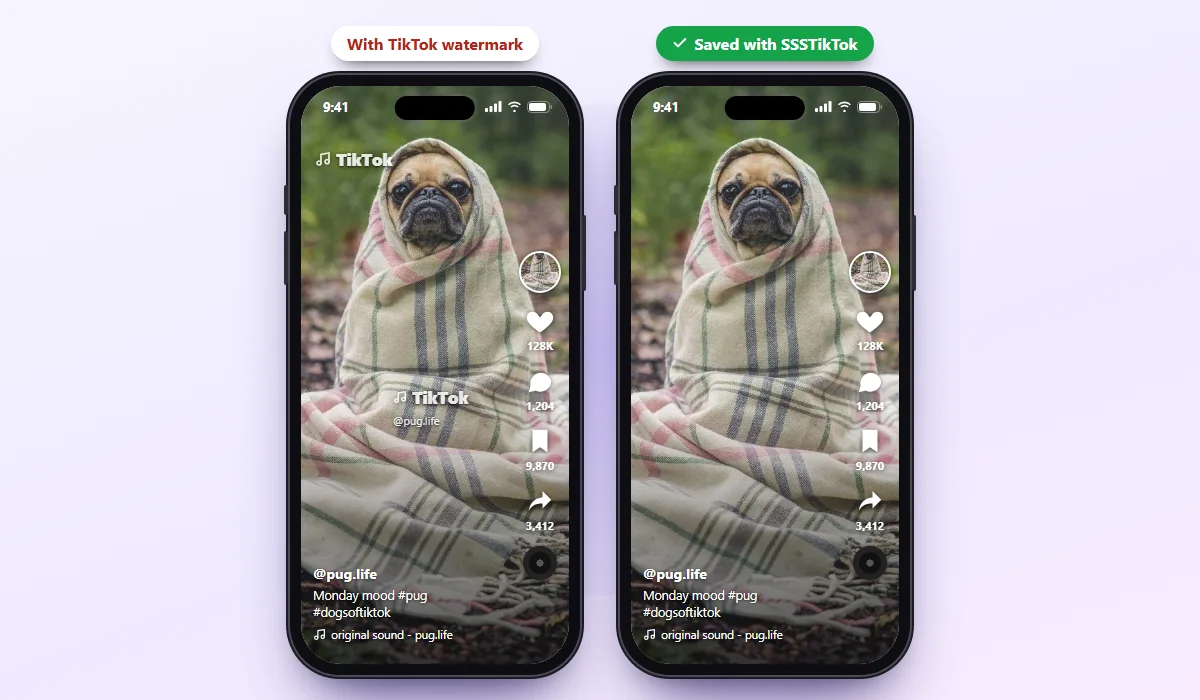
| TikTok's Save button | SSSTikTok | |
|---|---|---|
| Watermark | Logo and username on the video | None |
| Audio only (MP3) | Not available | Yes |
| Works on PC | Limited | Yes, in any browser |
| Needs the TikTok app | Yes | No |
| Slideshow photos one by one | No | Yes |
| Cost | Free | Free |
TikTok's button is fine if you don't mind the logo. Our downloader is the better choice when you need a clean file, just the audio, or a download on your computer.
Pros and Cons of SSSTikTok
Pros
- Saves TikTok videos without the watermark
- MP4, MP3 and photo options in one place
- No app, no login, no sign-up
- Works on phones and computers
- Free to use
Cons
- Private videos can't be downloaded
- One video at a time, no bulk downloads
- Ads appear on the page, because that's how the site stays free
- If TikTok changes how it works, downloads can stop for a while until we fix them
SSSTikTok Not Working? Common Problems and Fixes
"Invalid link"
The link is probably cut off. Go back to TikTok, tap Share > Copy link again, and paste the whole thing. Both long links (tiktok.com/@user/video/…) and short ones (vm.tiktok.com/…) work.
"Video not found"
The video is private, deleted or blocked in your region. Open the link in a browser while logged out of TikTok. If it doesn't play there, no downloader can save it.
The Video Plays Instead of Downloading
Your browser opened the file instead of saving it. Long-press (on a phone) or right-click (on a computer) the download button and choose Download link or Save link as.
Nothing Happens on iPhone
Switch to Safari and make sure your iPhone runs iOS 13 or later. Also turn off any content blocker for our site, since some block the download.
The Saved Video Has No Sound
TikTok sometimes mutes music for copyright reasons. When that happens, there's no sound left in the video for us to save. Try another video to check the tool is working.
The Download Is Very Slow
Long HD videos are large files. Switch to Wi-Fi, close other downloads and try again.
Is SSSTikTok Safe?
This is a website, not an app, so nothing is installed on your phone. You don't share your TikTok password, email or phone number. We also don't keep copies of the videos you download.
The site shows ads to stay free. Like any website with ads, you may sometimes see a pushy one. Never install an app or "clean your phone" because an ad says so. The only button you need is our Download button.
Use Your Downloads Responsibly
Every TikTok video belongs to the person who made it. Saving a clip for yourself is fine; posting it as your own isn't. Please:
- Download for personal use, or save your own videos.
- Ask the creator before you share or reuse their video.
- Credit the creator when you share with permission.
- Never sell or earn money from someone else's content.
Other Ways to Save TikTok Videos
TikTok's Save video button. Built into the app, but it adds the watermark, and creators can turn it off for their videos.
Favourites. Tap the bookmark icon to keep a video in your TikTok favourites. It stays inside the app and needs internet to play.
Screen recording. Works on any phone, but you record the buttons and captions too, the quality drops, and it takes as long as the video.
For a clean file you can keep and edit, a downloader is the quickest option.
Frequently Asked Questions
What is SSSTikTok?
SSSTikTok is a free online tool for saving TikTok videos without the watermark. You paste a video link, tap Download, and save it as MP4 or MP3.
Is SSSTikTok free?
Yes. It's free with no sign-up, and the site is supported by ads.
Is SSSTik the same as SSSTikTok?
People use both names when they search. This site is SSSTikTok, an independent tool, and it isn't connected to ssstik.io or any other site with a similar name.
How do I download a TikTok video without watermark?
Copy the video link from TikTok's Share menu, paste it into the box and tap Download. Choose Without Watermark (HD) to save the clean video.
Can I use SSSTikTok on iPhone?
Yes. Open the site in Safari, paste the link and tap Download. The video is saved in the Files app, and you can move it to Photos from the Share menu.
Can I download TikTok videos on PC?
Yes. Copy the video address from tiktok.com, paste it here and click Download. It works in any browser on Windows or Mac.
Can I save only the audio as MP3?
Yes. After pasting the link, tap MP3. You'll get just the sound as a small audio file.
Can I download private TikTok videos?
No. Only public videos can be saved.
Does the creator know I downloaded their video?
No one is notified. We don't log in to TikTok or interact with the creator's account.
Where are my downloaded videos saved?
On Android, in the Download folder and usually the Gallery. On iPhone, in the Files app. On a computer, in your Downloads folder.
Is there a download limit?
No. You can save as many public videos as you like, one at a time.
Why is SSSTikTok not working right now?
Check the link first, then make sure the video is public. If every video fails, TikTok may have changed something, and we're usually back within a few hours.
Conclusion
SSSTikTok keeps TikTok downloads simple: you copy a link, paste it, and save a clean video, an MP3 or slideshow photos, on any phone or computer, with no app and no login. It can't save private videos, and the site shows ads to stay free, but for public TikToks it's one of the quickest ways to get a file without the logo.
Paste your first TikTok link in the box at the top and see how it works.